

What it does
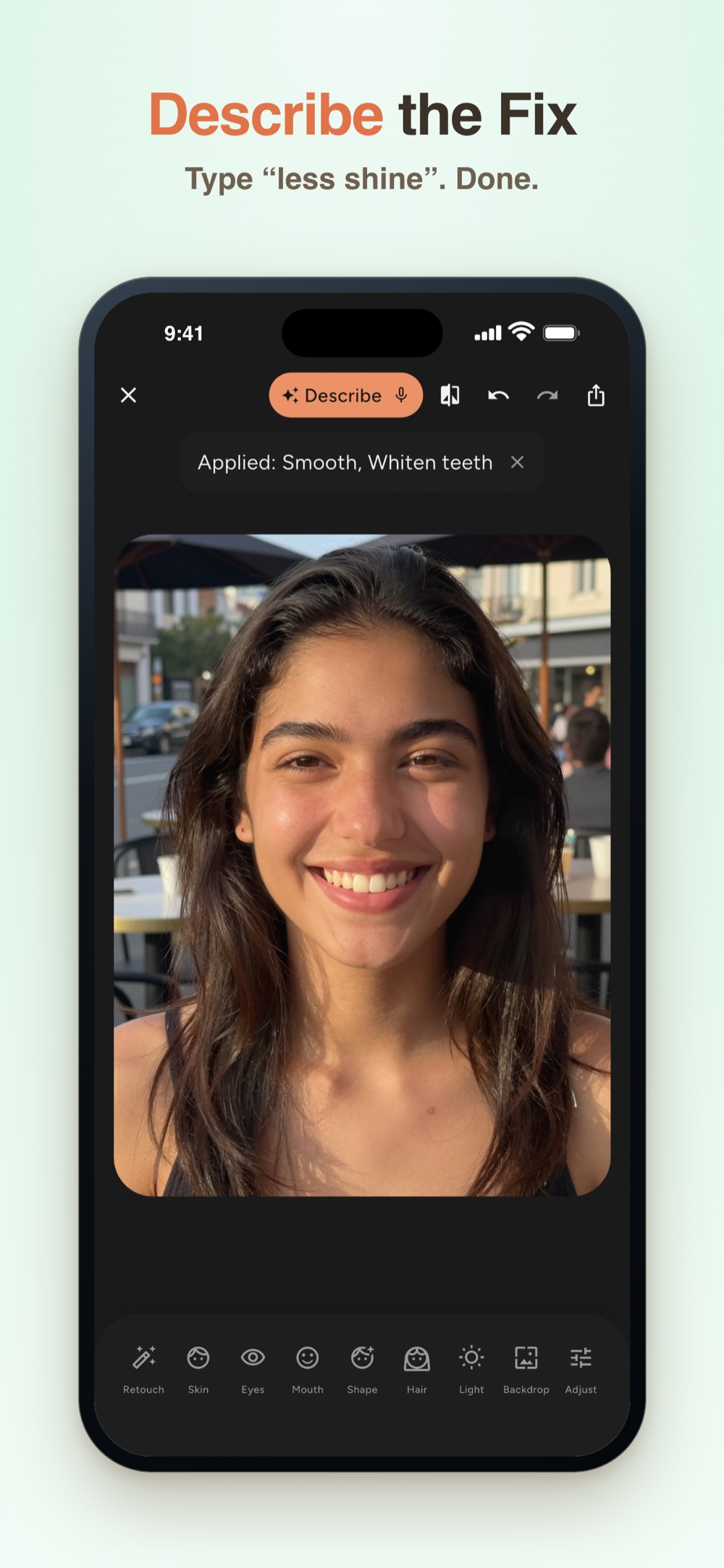
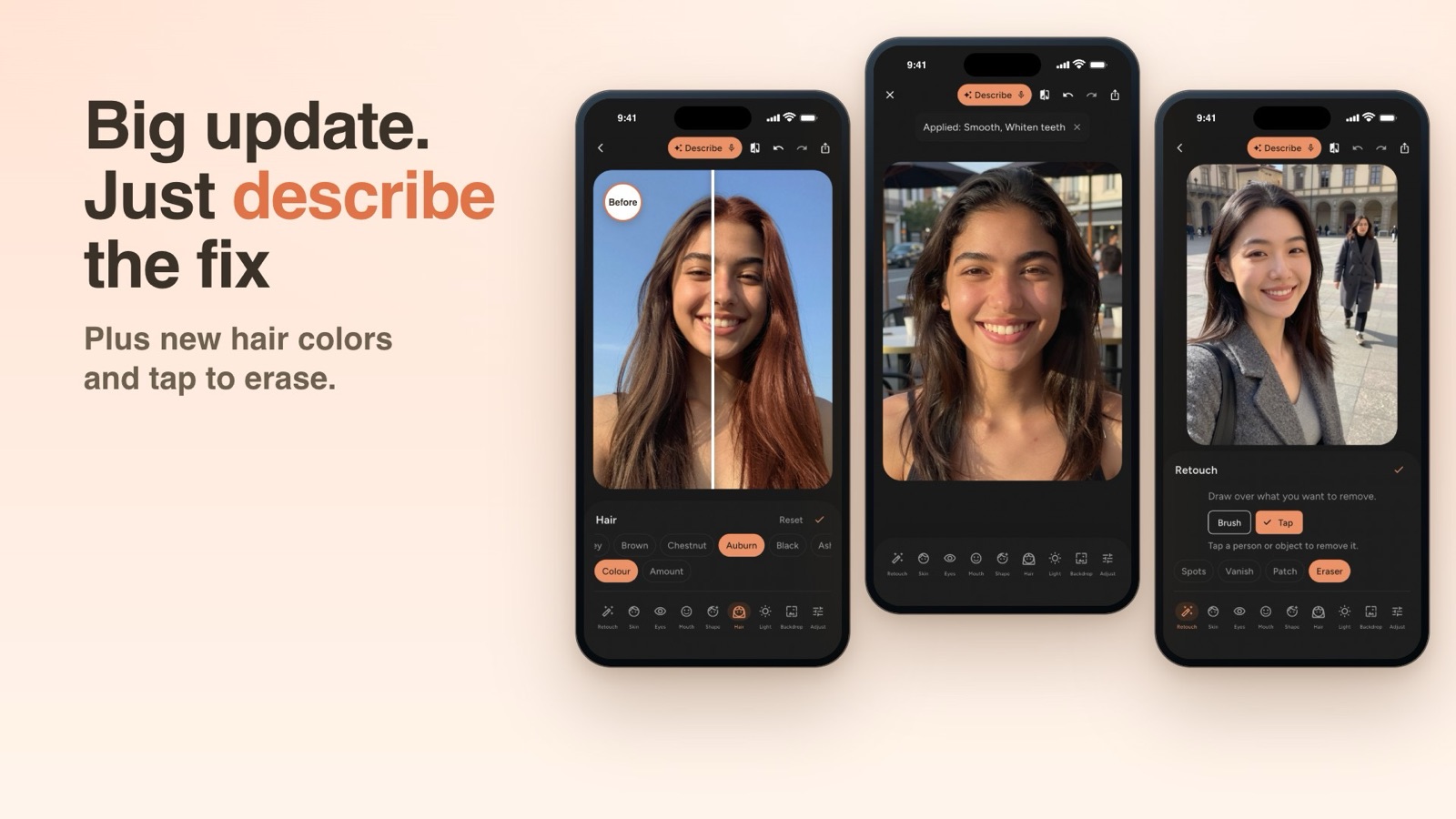
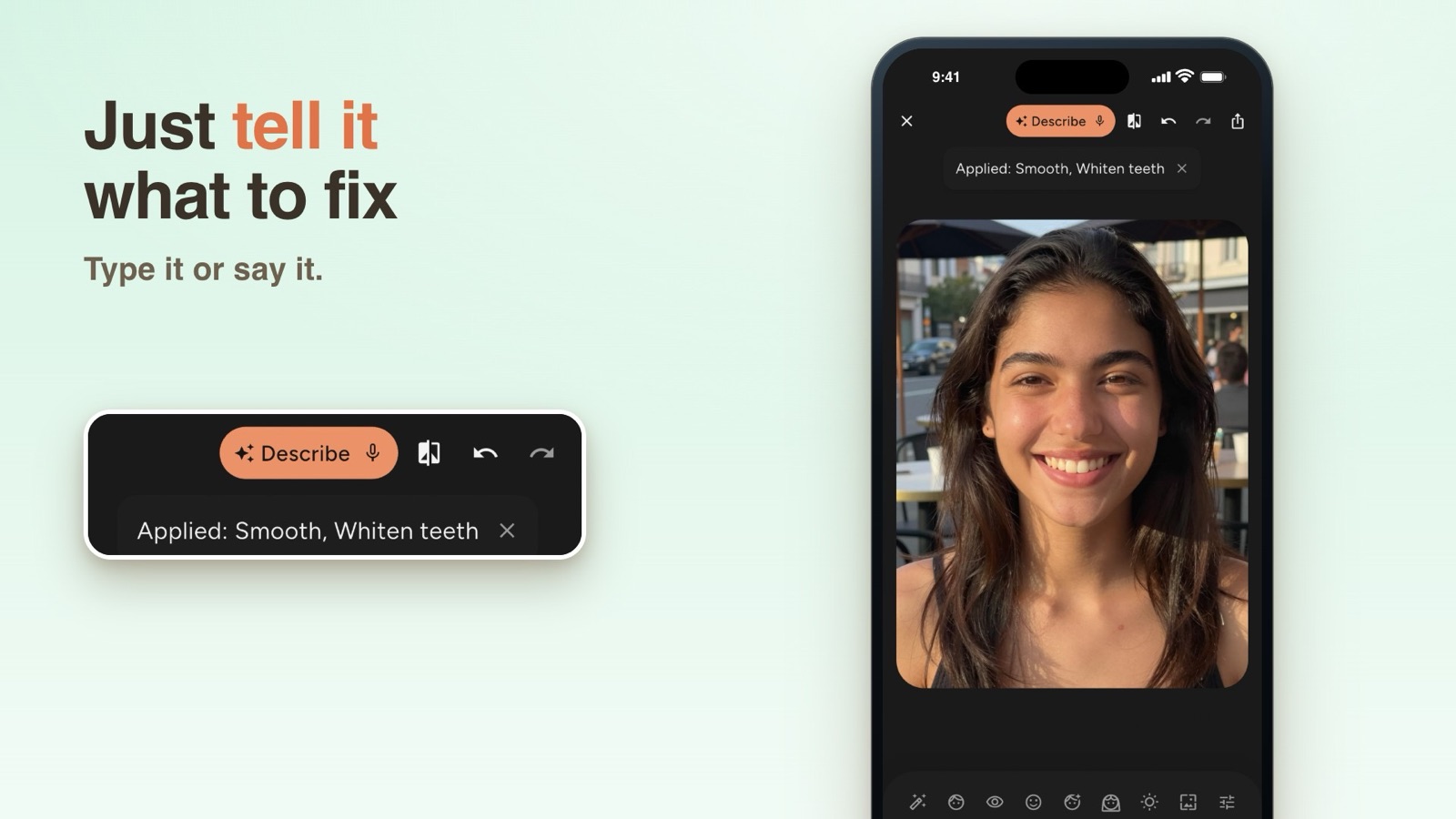
Describe the fix: type or say what you want, like "less shine" or "whiter teeth", and FaceMend sets its own tools as a preview you can adjust or undo
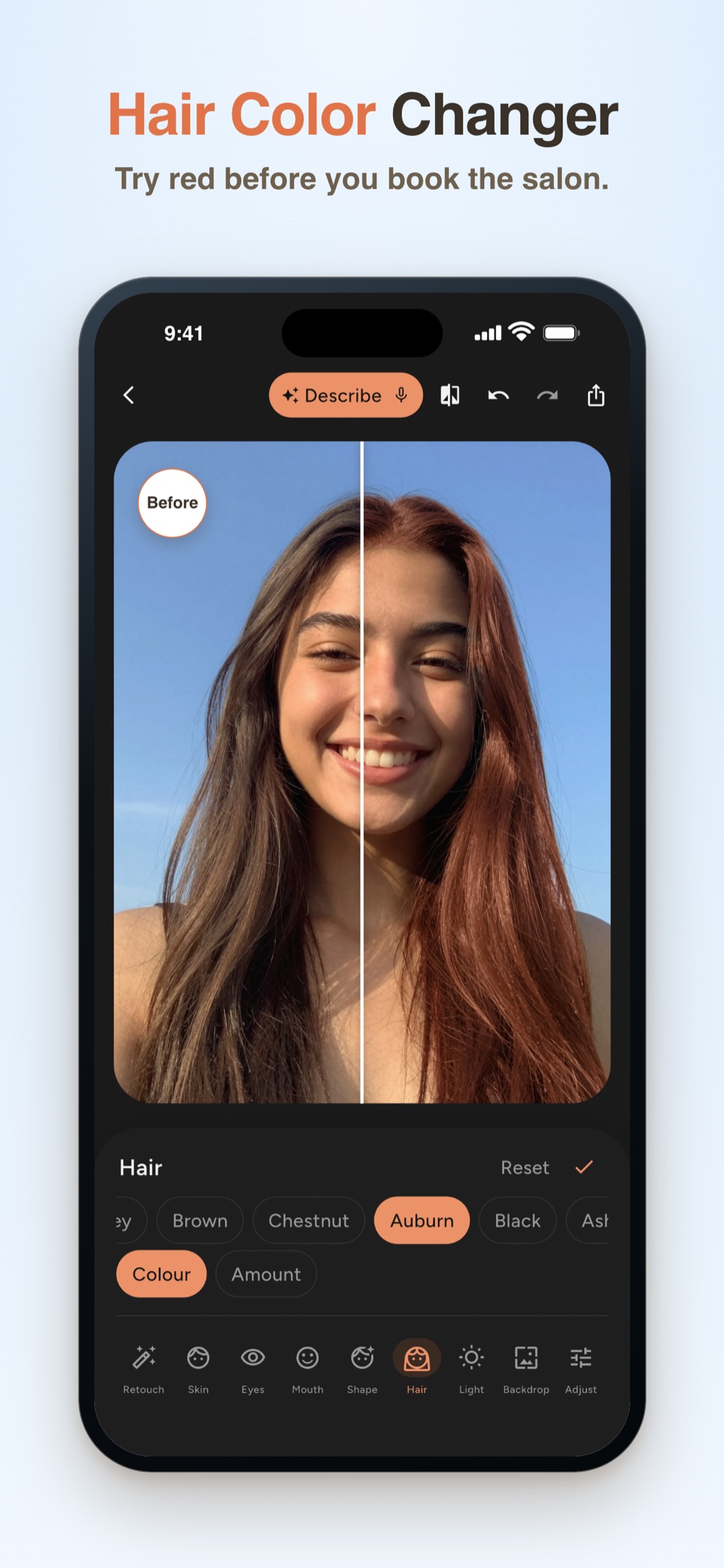
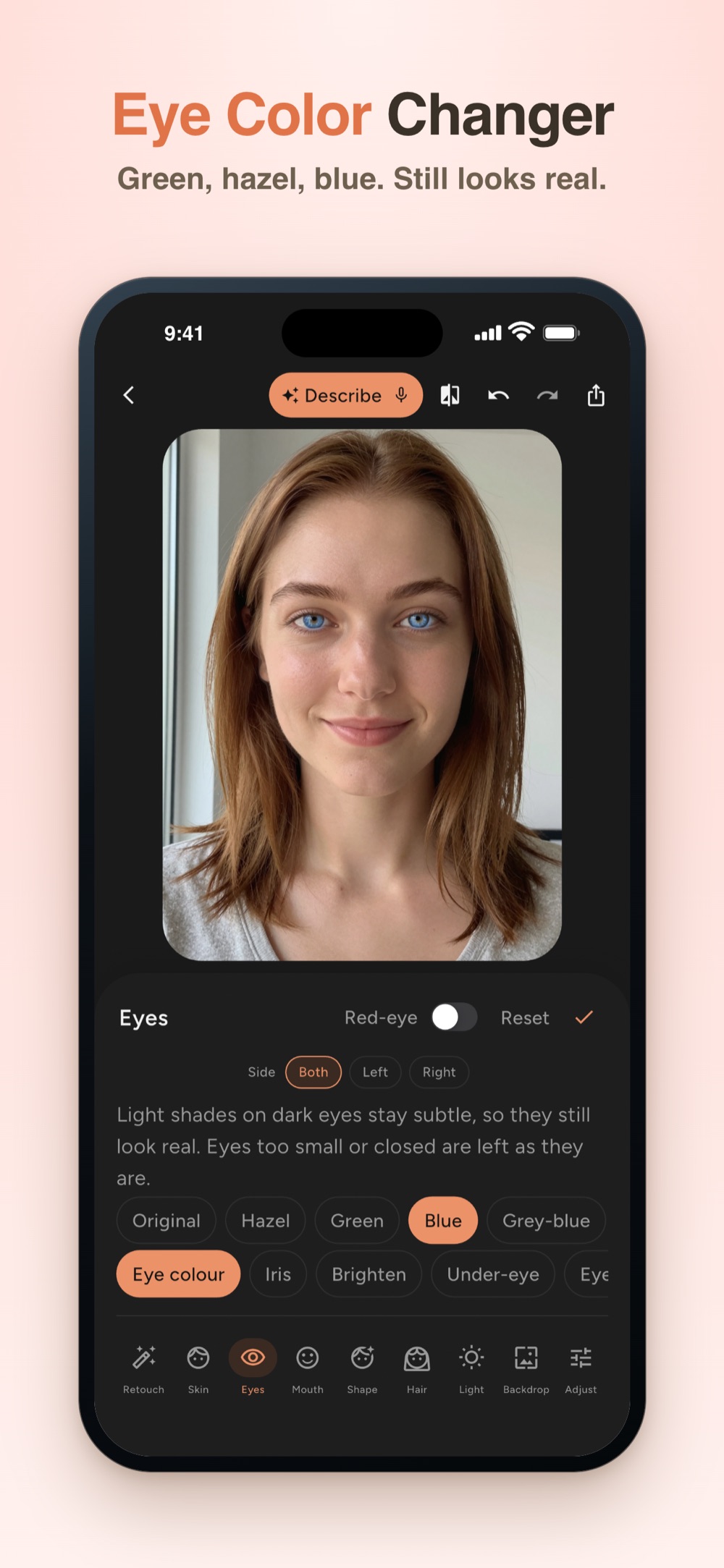
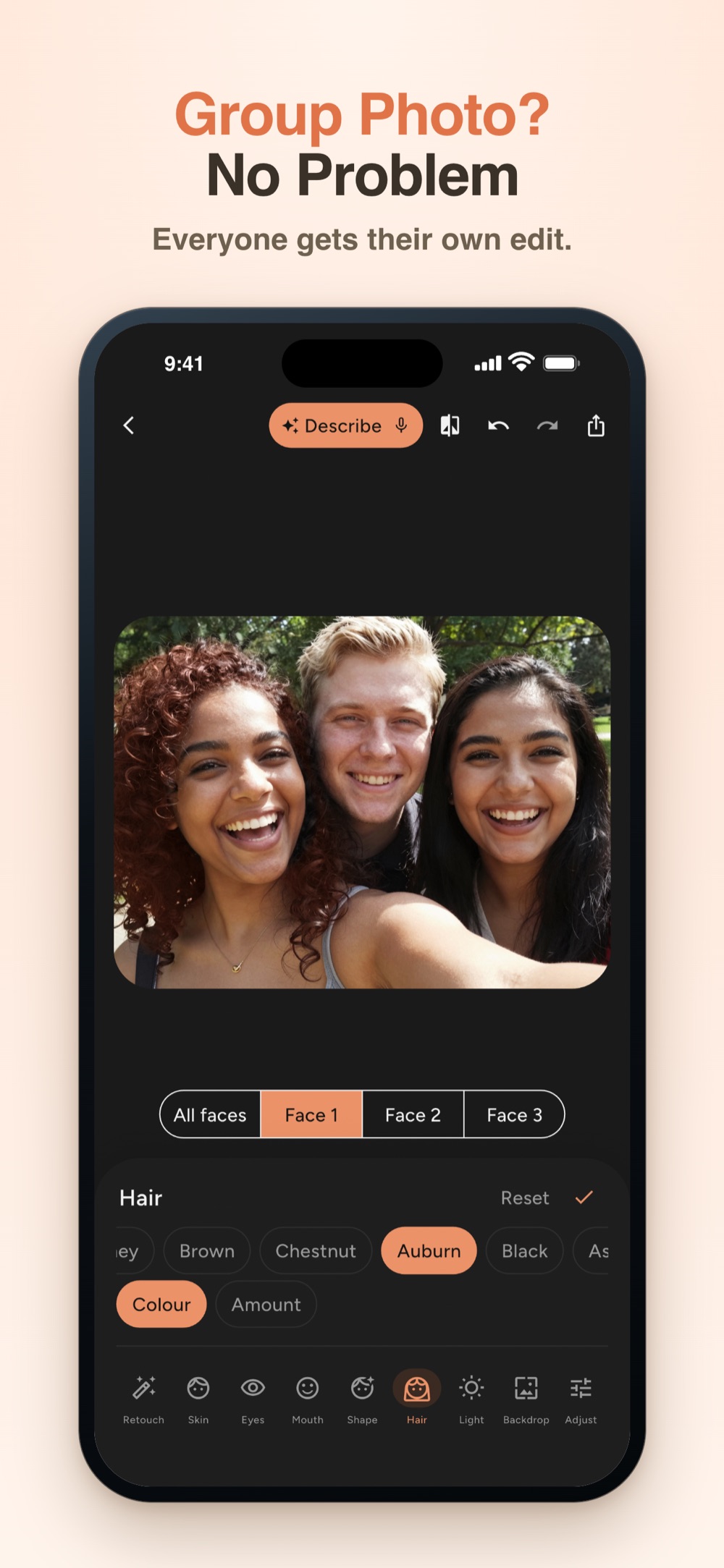
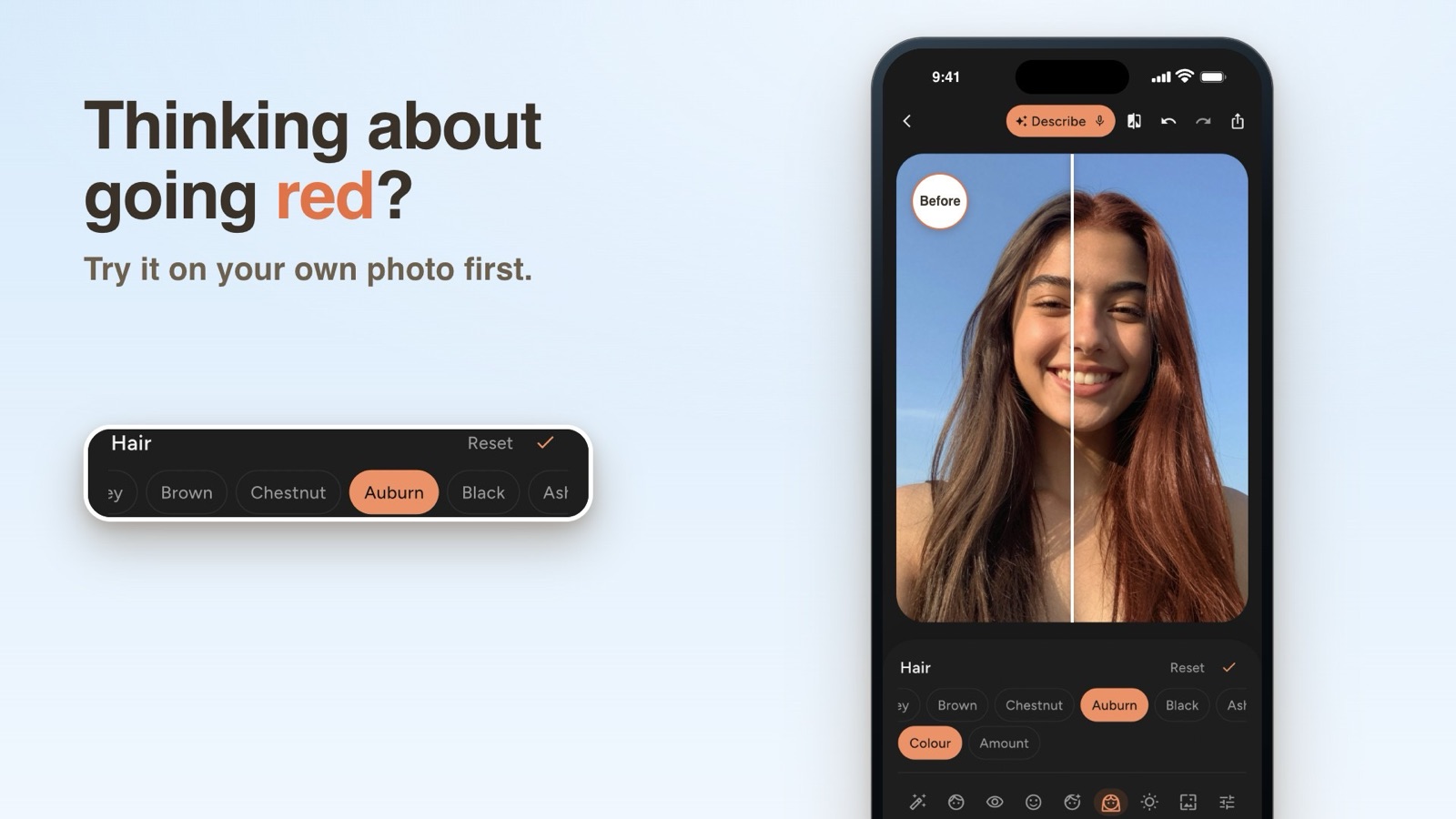
Group photos: pick a person and give them their own hair color, eye color, lip color and retouch
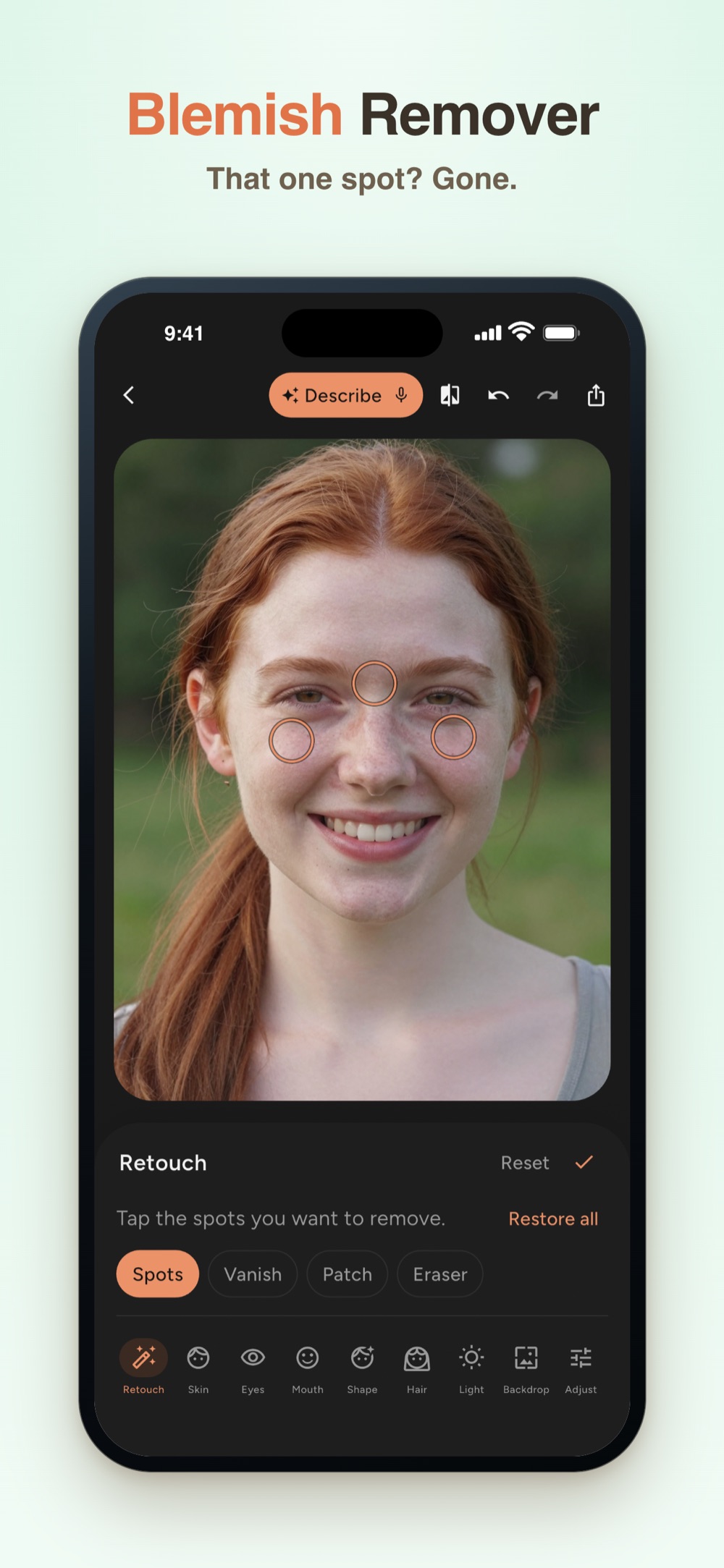
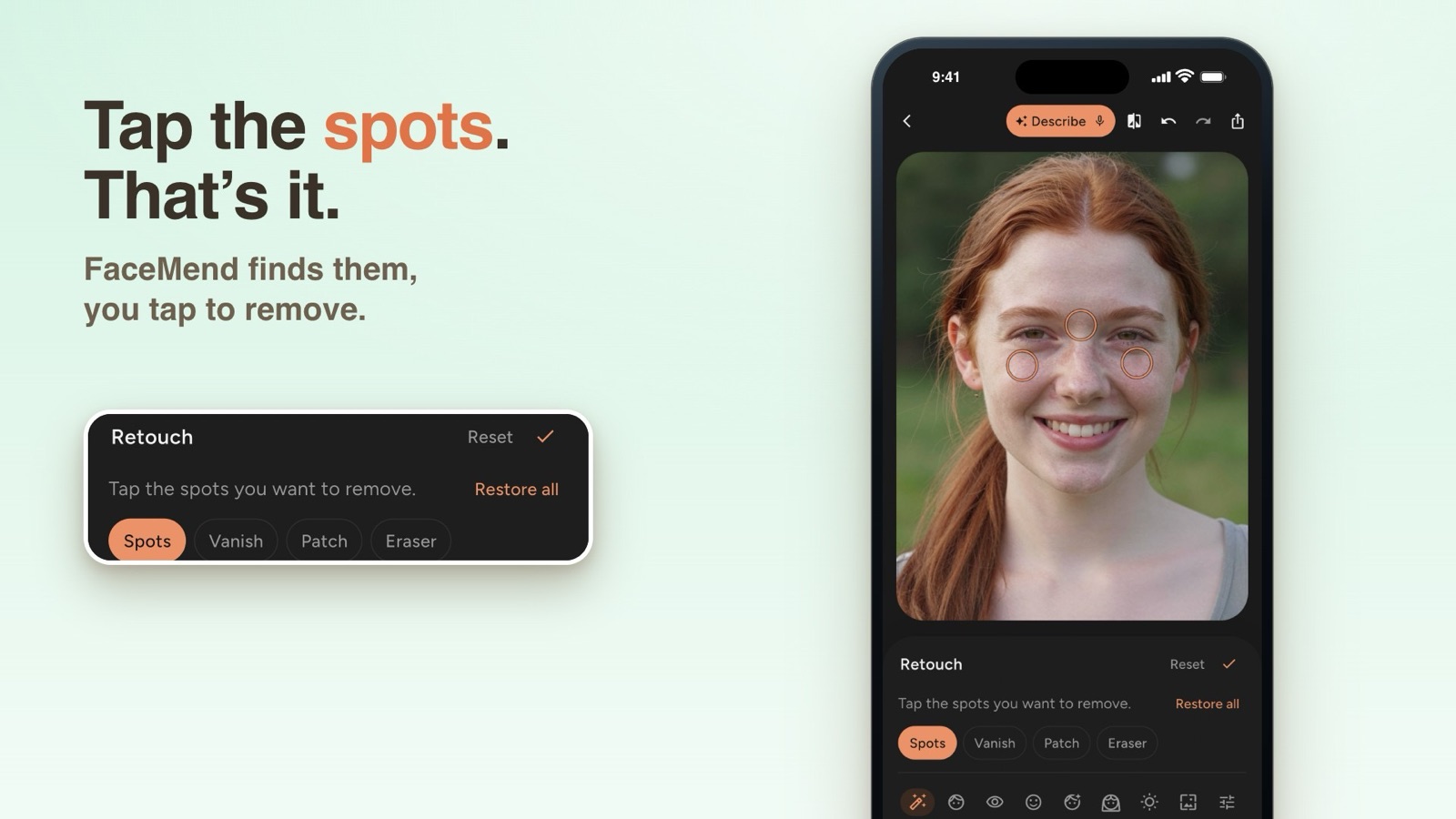
Spots: FaceMend circles the spots it finds. Tap one to remove it or bring it back, or tap one it missed
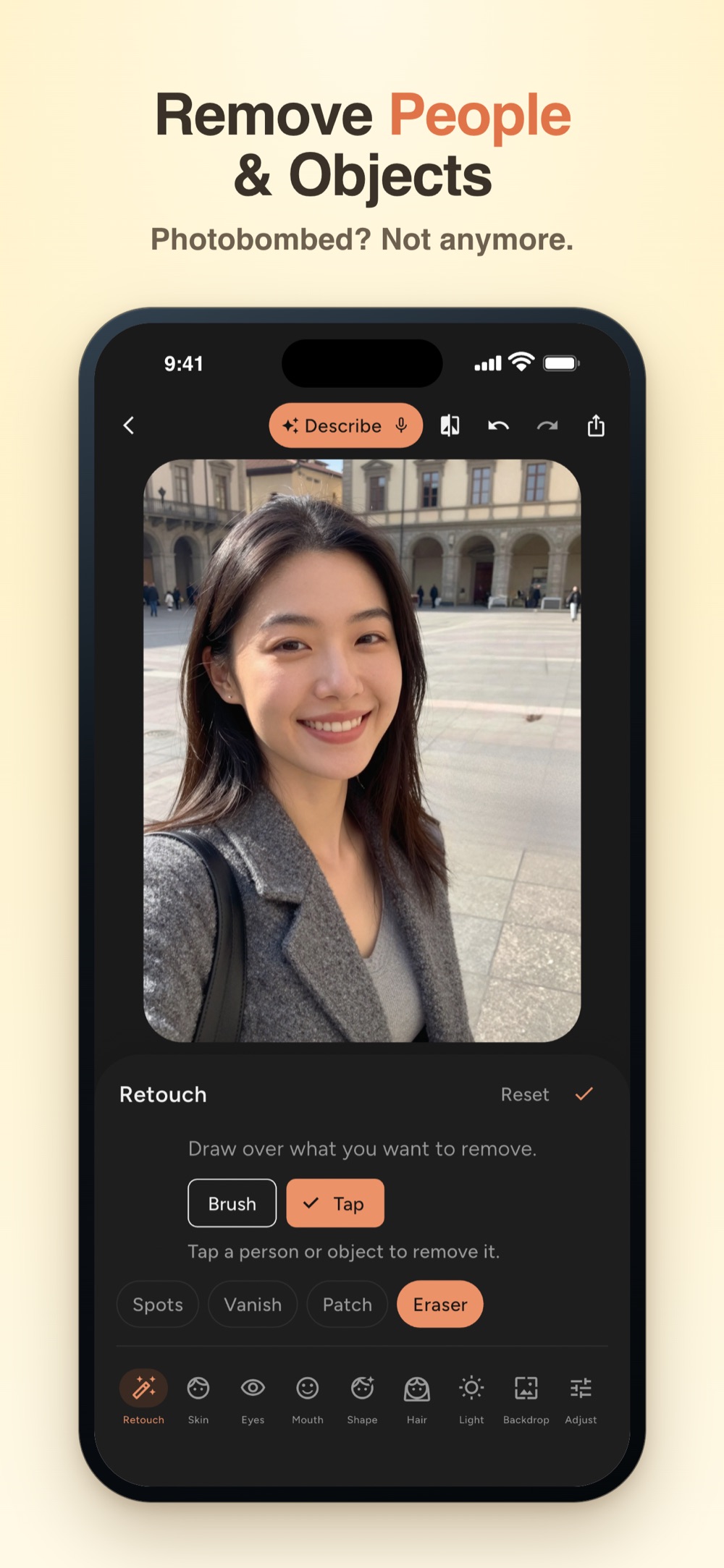
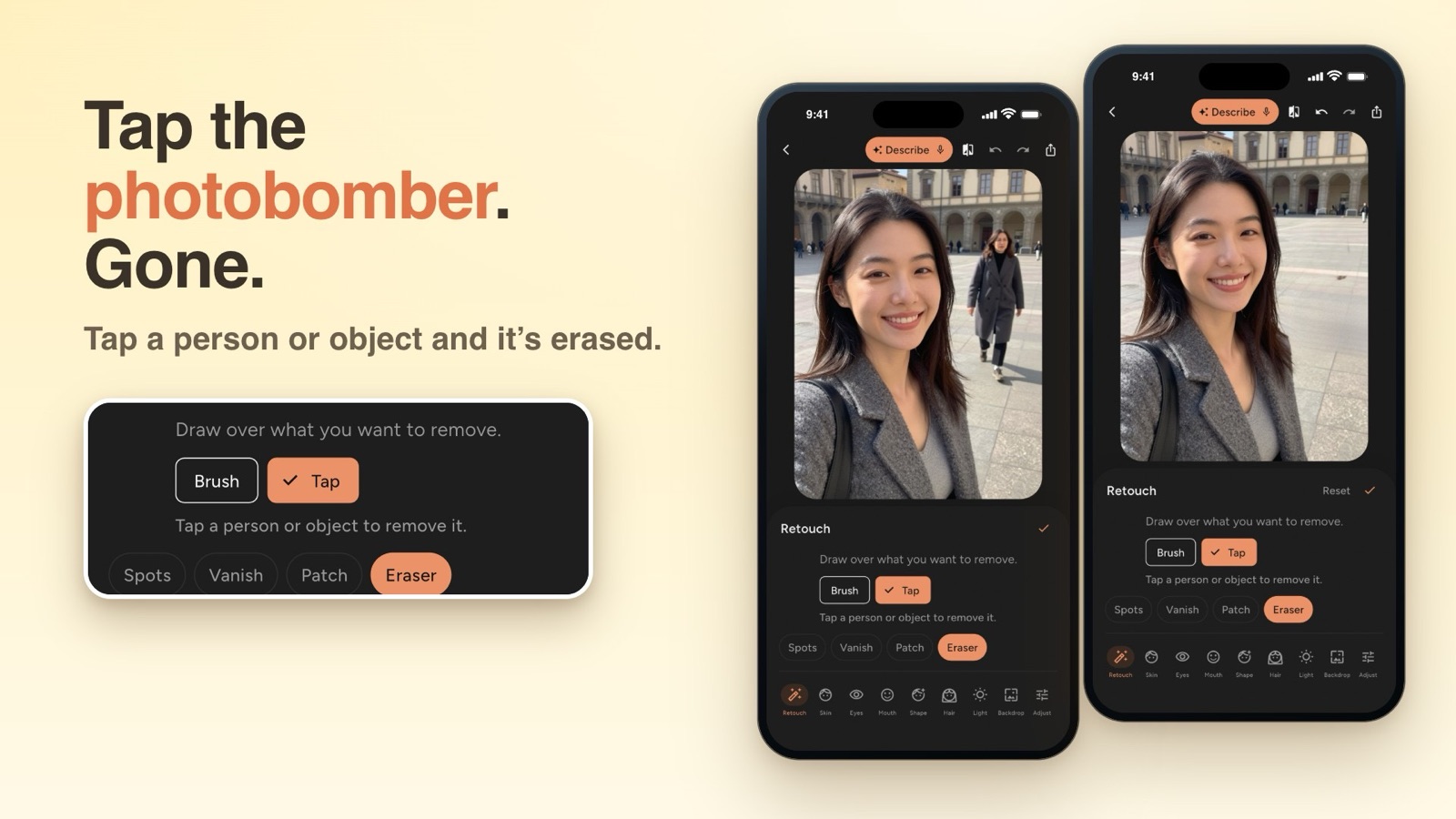
Eraser: tap a person or object to remove it
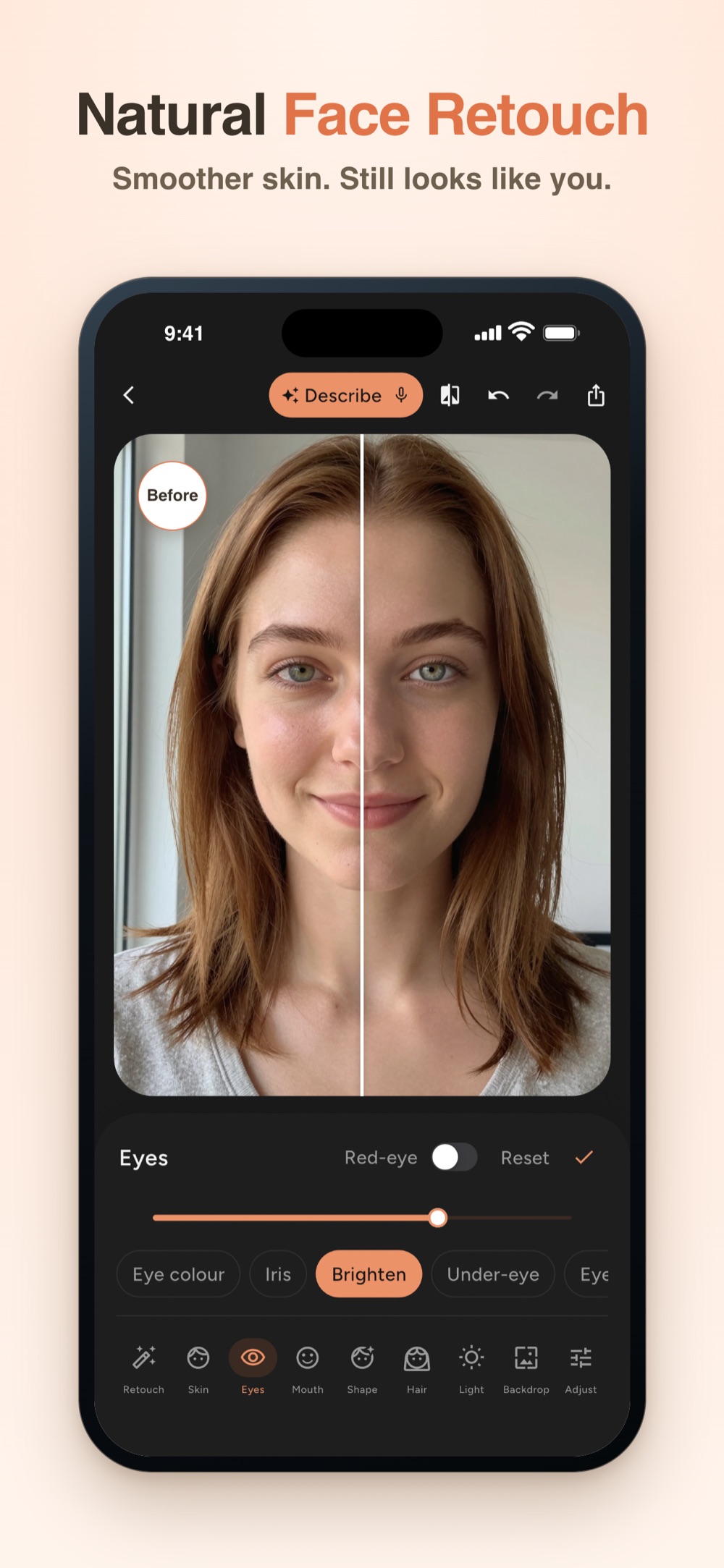
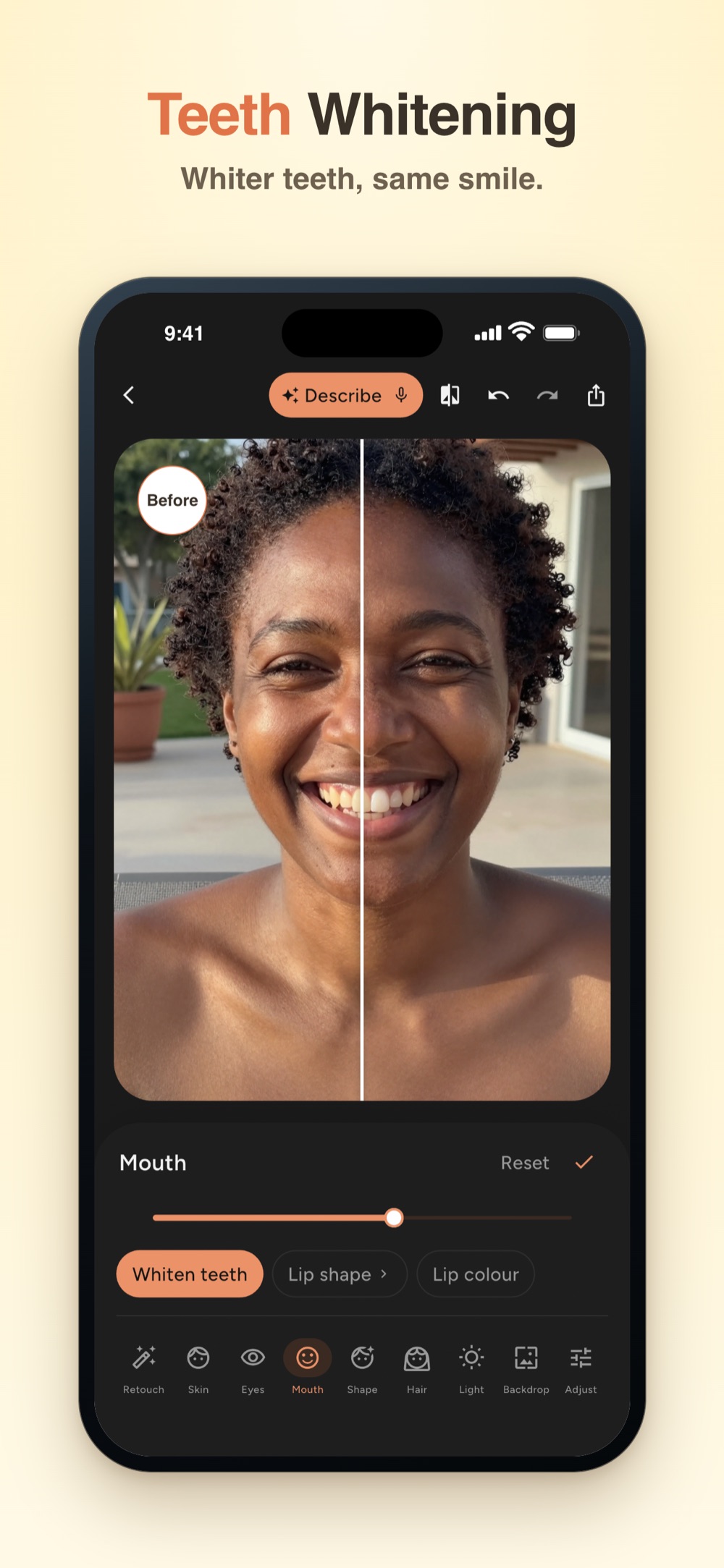
Retouch that keeps you: smooth skin with its texture, whiten only the teeth, brighten eyes, soften wrinkles without erasing them
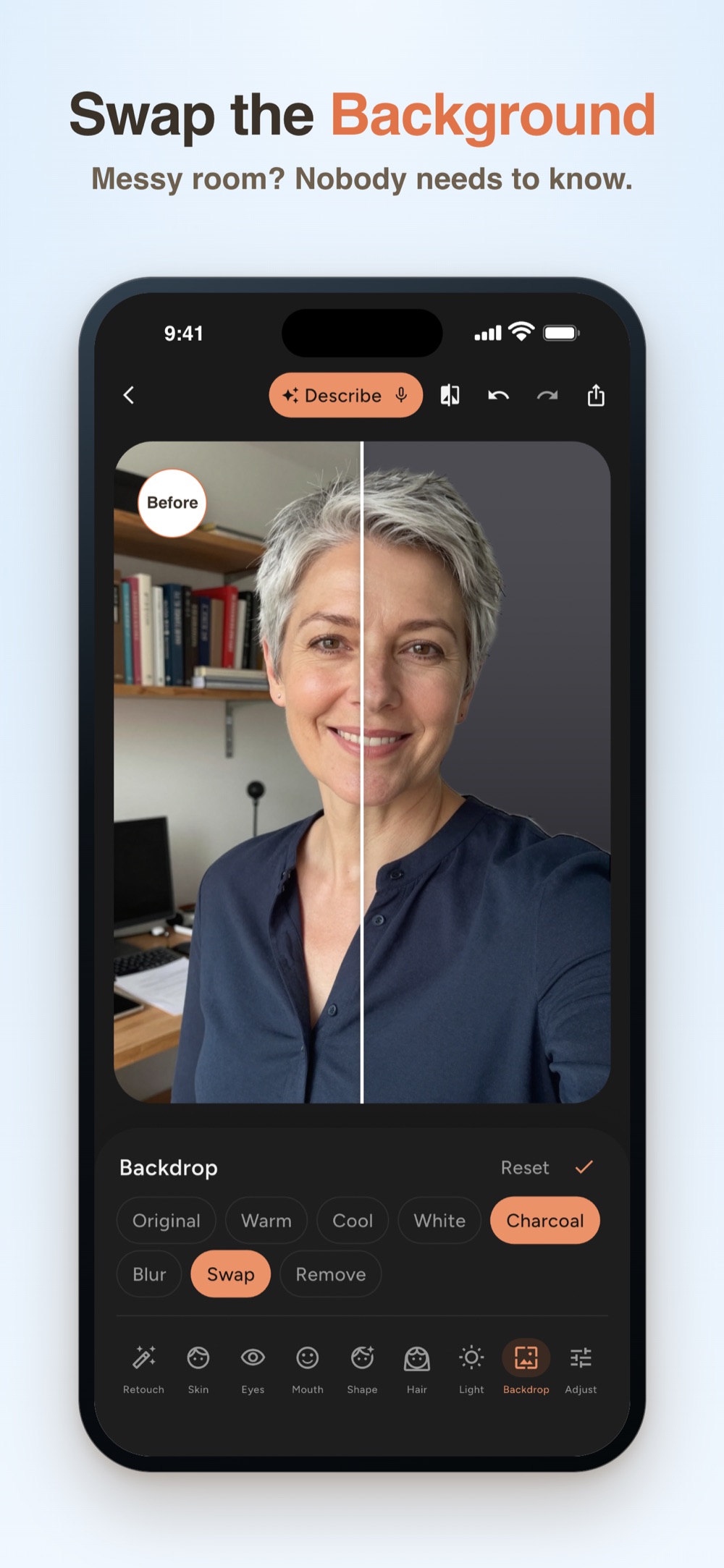
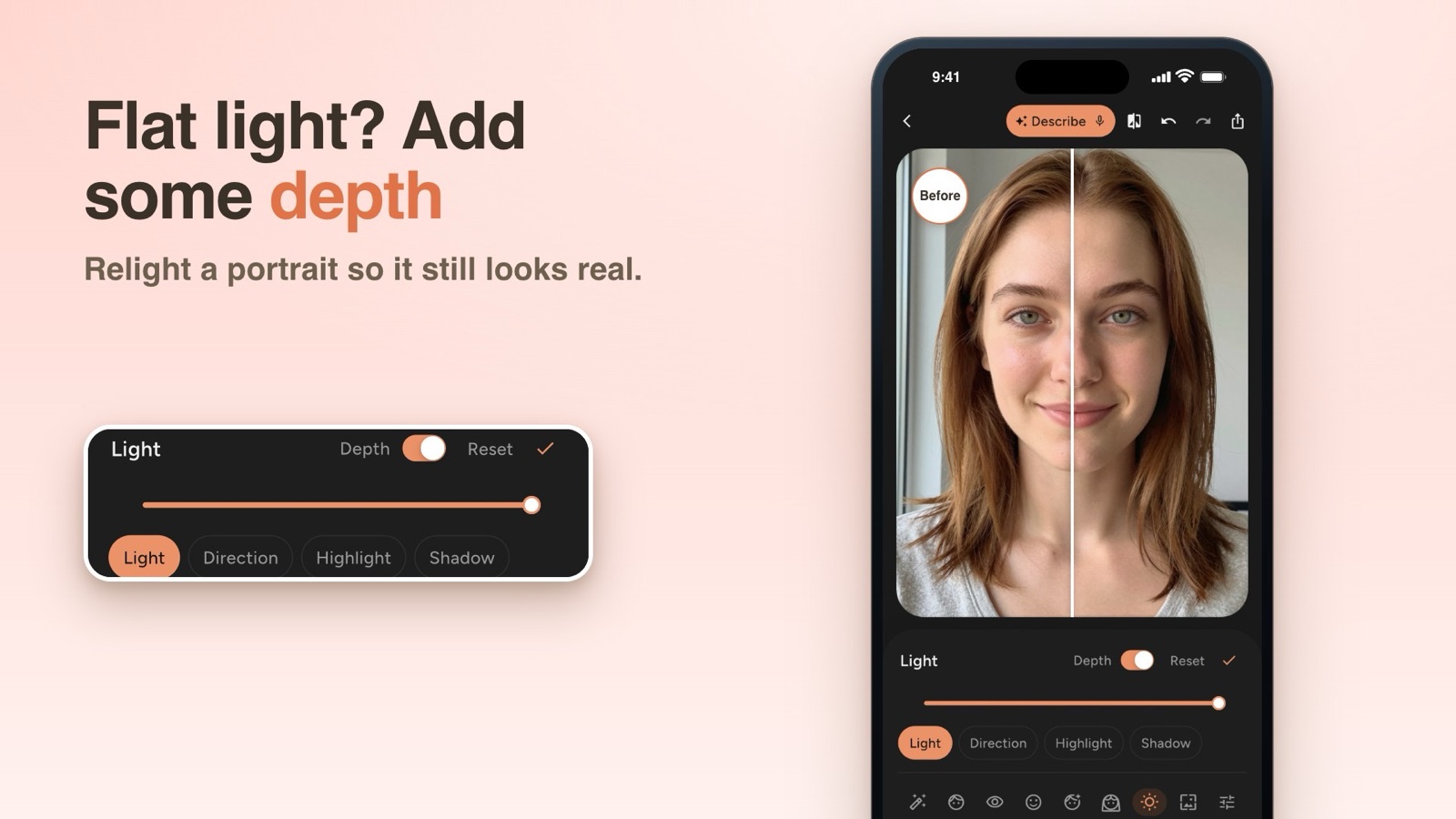
Relight with depth, and blur, remove or swap the background with 16 studio backdrops
Why we built it
Most photos are almost right. One shiny forehead, a stray person in the back, teeth that look darker than they are. FaceMend is made for that one fix, with tools grouped by face area: Retouch, Skin, Eyes, Mouth, Shape, Hair, Light, Backdrop and Adjust. Every edit stays natural, so you still look like you.
Screenshots
Press and media
Screenshots and event artwork for press and editors. Use them to write about FaceMend.
Frequently Asked Questions
Skin smoothing, blemish healing, teeth whitening, eye brightening, dark circles, basic reshape, three eye and lip colors, filters, crop and standard export are free. Pro adds the rest, as a subscription or a one-time purchase. Every Pro tool previews live on your own photo before you decide, and "Save without Pro edits" keeps your free result. Prices are shown in the app and vary by country.
No. There is no watermark, no ads, no credits and no account. Your photos are edited on your iPhone, and location is removed when you save and share.
Yes. Edit one face at a time in group photos of up to 4 people. Each person keeps their own edits, including hair, eye and lip color.