What it does
Minutes from in-person meetings: summary, decisions with a status, action items with owner and due date
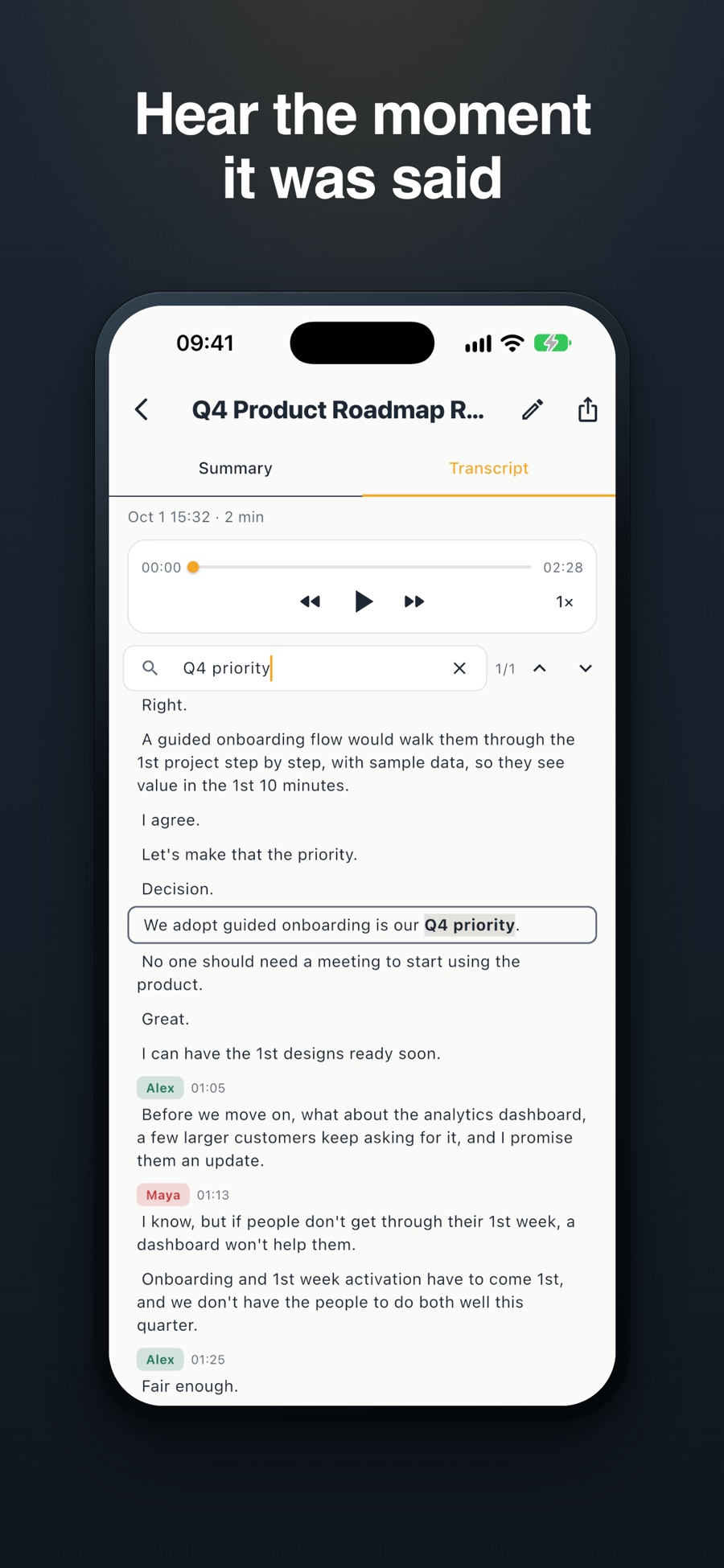
Every decision and action item links to the moment it was said: play it or read the transcript line
Speaker names: name a voice once and Minuted recognizes it in later meetings
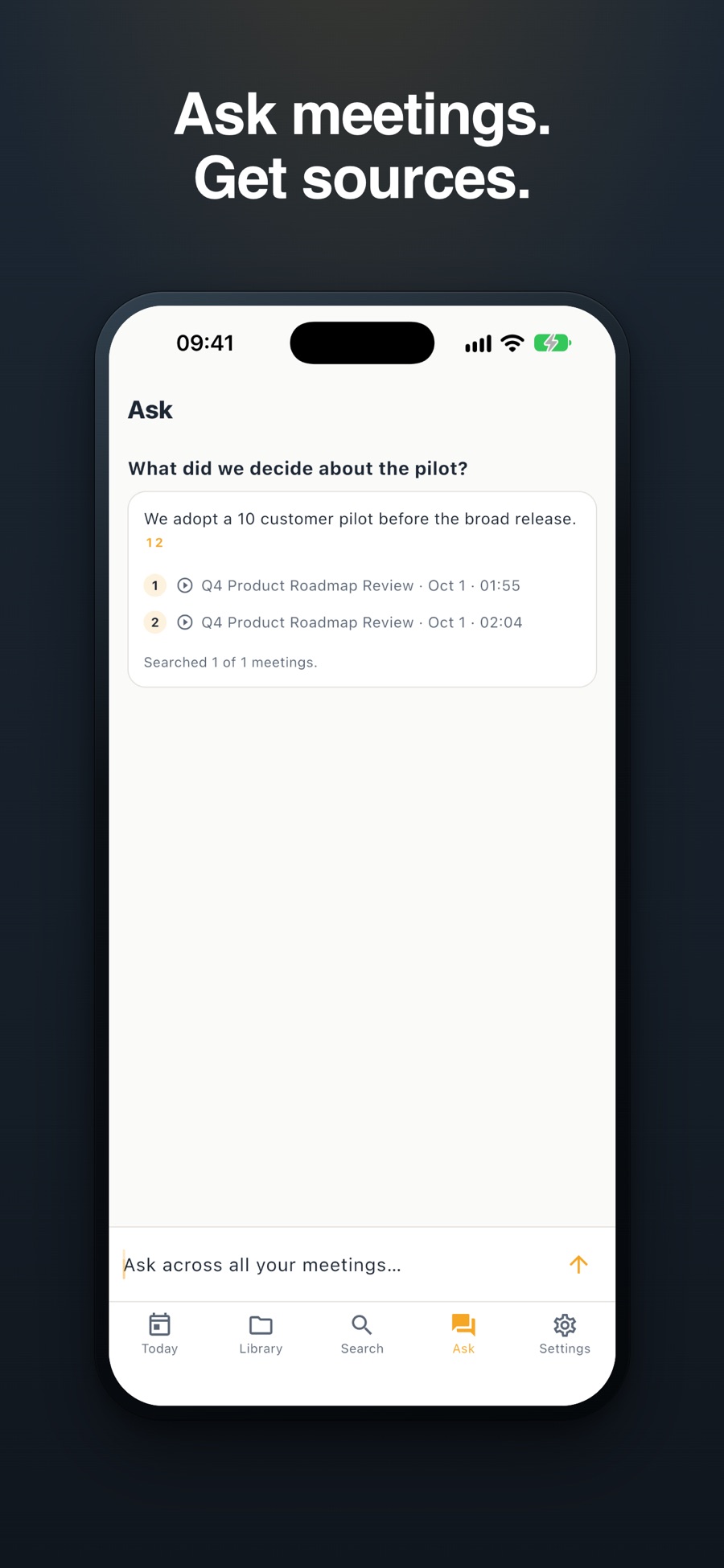
Ask across all your meetings: answers cite the meeting and the moment, or say when the evidence is missing
Translate the minutes, add action items to Reminders, and draft the follow-up email to the invitees
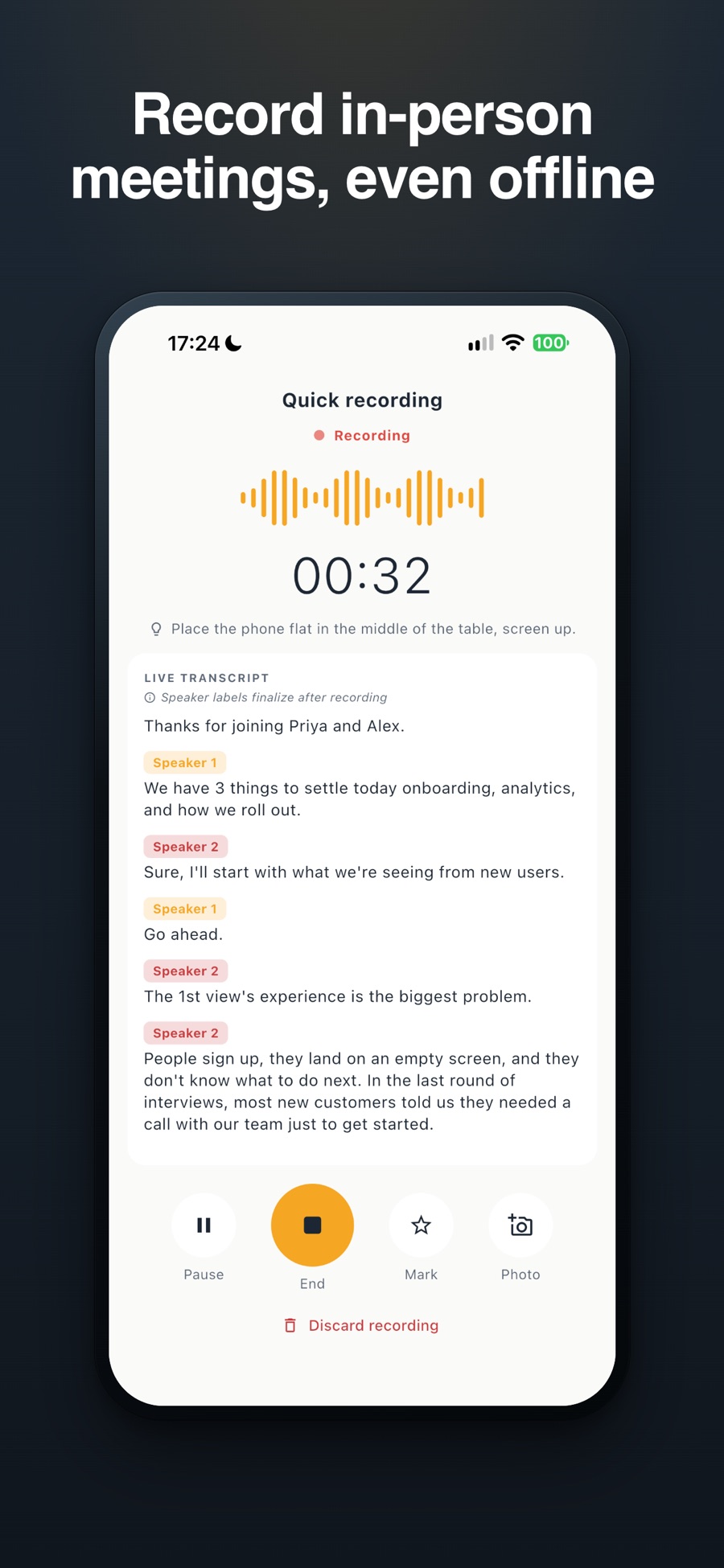
Private, on your iPhone: works without internet, with a consent prompt before each recording
Why we built it
Taking notes while you run a meeting means doing two jobs at once, and the notes usually lose. Minuted takes the minutes so you can lead the conversation, and keeps them checkable: each decision points back to the moment it was said. Your recordings stay on your iPhone.
Frequently Asked Questions
Minuted needs iOS 26 and an iPhone with Apple Intelligence (iPhone 15 Pro or newer). Recording needs a subscription.
Minuted records the room through your iPhone. It does not join calls as a bot. You can also import recordings you already have: Voice Memos, audio files or iPhone call recordings.
Yes. Recording, the transcript and the minutes work without internet. Translating the minutes needs a one-time download of the language pack, then it works offline too.