
Short answer: if you want a Facetune alternative on iPhone for natural touch-ups, FaceMend is one option. Smooth skin, tap-to-heal blemishes, eye brightening, a few eye and lip colours, filters and crop come with the app, and free saves carry no watermark. There are no ads, no credits and no account.
We make FaceMend (on the App Store as FaceMend: Selfie & Face Editor). This page compares what each app's App Store page lists, as of October 2026, so you can pick the one that fits what you edit.
Who FaceMend suits
- You mostly fix a few things on a selfie or portrait: a spot, shiny skin, tired eyes, a messy background.
- You want the result to still look like you, not like a filter.
- You'd rather see a tool work on your own photo before you pay for it.
If you mainly want to try new hairstyles or beard styles, Facetune lists those and FaceMend doesn't do hairstyle changes, so Facetune is the better fit for that.
Side by side
Facetune column: what its App Store page lists as of October 2026. "Not listed" means the page doesn't mention it, not that the app can't do it.
| FaceMend | Facetune | |
|---|---|---|
| Smooth skin, remove blemishes | Yes, comes with the app (texture slider, tap to heal, patch) | Listed |
| Teeth whitening | Pro, only the teeth, lips stay as they are | Listed |
| Face reshape | Pro: face slim, jaw, chin, nose, eye size | Listed |
| Makeup | Pro: blush, eyeshadow, eyeliner, brow tint, contour, highlighter, lashes | Listed |
| Eye colour | Green and Blue come with the app, more shades with Pro | Not listed |
| Hair colour | Pro | Not listed |
| Hairstyles and beards | No | Listed |
| Remove people or objects | Pro (Eraser) | Listed |
| Blur or swap the background | Pro, 16 studio backdrops or your own photo | Listed (erase backgrounds) |
| Lighting | Pro (Relight) | Listed |
| Enhance a low-res photo | Pro | Listed |
| Work or dating profile photo | Pro (Profile photo mode) | Listed (headshots) |
| Edit one face in a group photo | Pro, up to 4 faces | Not listed |
| Type what to change | Pro, preview free ("less shine", "make my eyes green") | Not listed |
| Video retouch | Pro: smooth skin, whiten teeth, reduce dark circles | Listed (video editing) |
| Watermark on free saves | None | Not listed |
| Ads | None | Not listed |
| Account needed | No | Not listed |
| Requires | iOS 17 or later, iPhone and iPad | iOS 17 or later (App Store page) |
Sources: the FaceMend features we verified in the app, and Facetune's App Store page (apps.apple.com/us/app/id1149994032), read on October 26, 2026.
How to do a natural touch-up in FaceMend
- Open a photo and go to Retouch. Turn on smooth skin, then use the texture slider so pores stay visible. The brush adds or removes areas.
- FaceMend circles the spots it finds. Tap one to remove it, tap again to bring it back, or tap a spot it missed.
- In Eyes, brighten only the whites of the eyes.
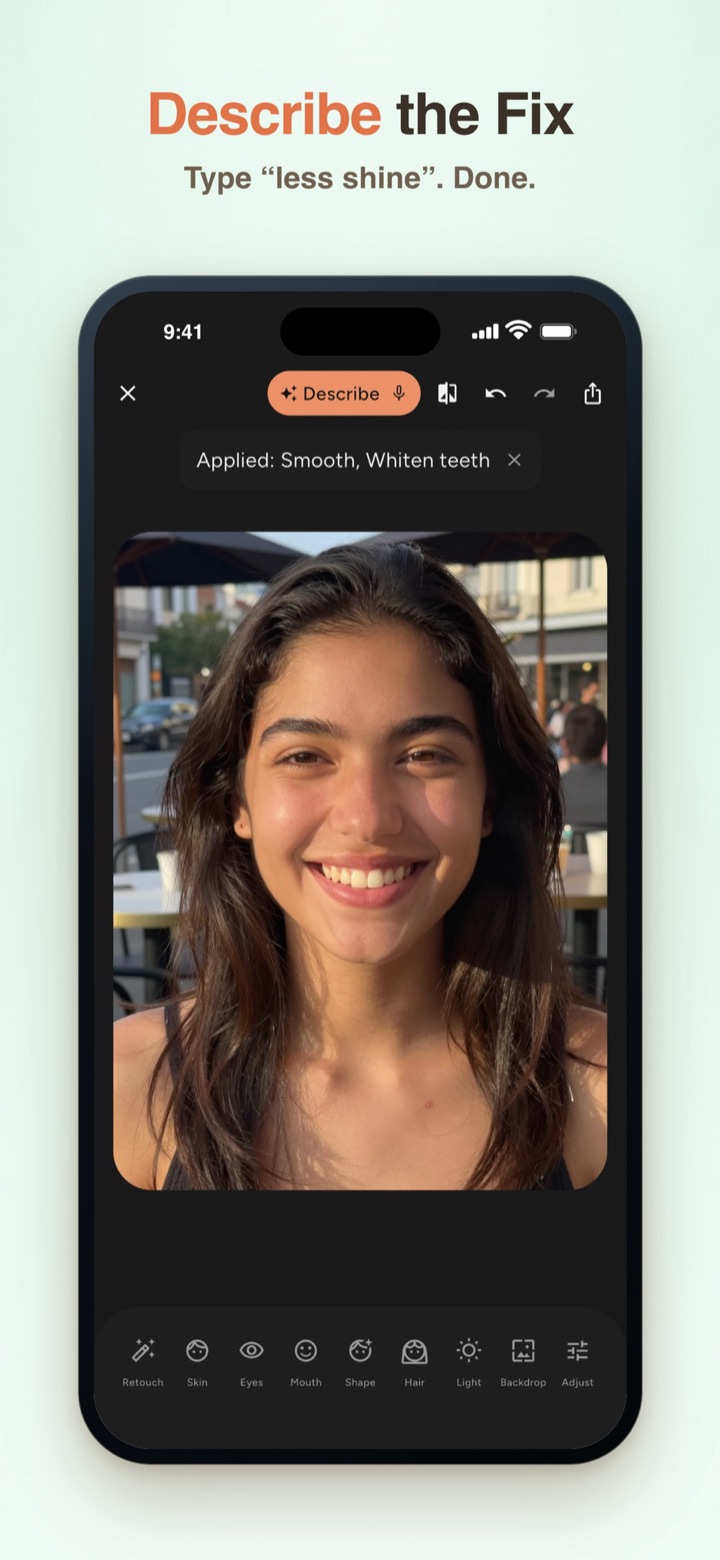
- Not sure which slider does what? Type it in Describe the fix, for example "less shine". FaceMend sets its own sliders as a preview you can undo.
- Save. The Standard save goes up to 1920 px with no watermark.
Every Pro tool previews live on your own photo, with a small PRO ribbon on the preview while a Pro edit is on. The paywall only opens when you save, and "Save without Pro edits" keeps the free result. The ribbon is never on the saved file.
What FaceMend can't do
- No hairstyle changes and no waist, hips or arm slimming. Legs and height are the only body tool.
- It doesn't restore old or damaged photos.
- Some tools download a pack the first time you use them. The Eraser pack is about 100 MB.
- Video retouch has a length and resolution limit that depends on your iPhone. The app shows it.
- iPhone and iPad only, iOS 17 or later.
- Not for passport, visa or ID photos. Profile photo mode is meant for work and dating profiles.
Questions people ask
Is there a Facetune alternative without a watermark? FaceMend saves without a watermark, including the free Standard save up to 1920 px.
Can I remove a pimple from a photo for free on iPhone? Yes. Tap-to-heal and patch come with FaceMend, no purchase needed.
Do I need an account? No. There's no sign-up and no credits.
Does FaceMend change hairstyles like Facetune? No. It changes hair colour (Pro), not the hairstyle.
Can I edit only one person in a group photo? Yes, with Pro. Face tools change only the face you pick, up to 4 faces, and each person can have their own hair, eye and lip colour.
Is it on Android? FaceMend is on the App Store for iPhone and iPad.
If you only want to fix one selfie, the free tools are enough to find out whether FaceMend's look is the one you want.