
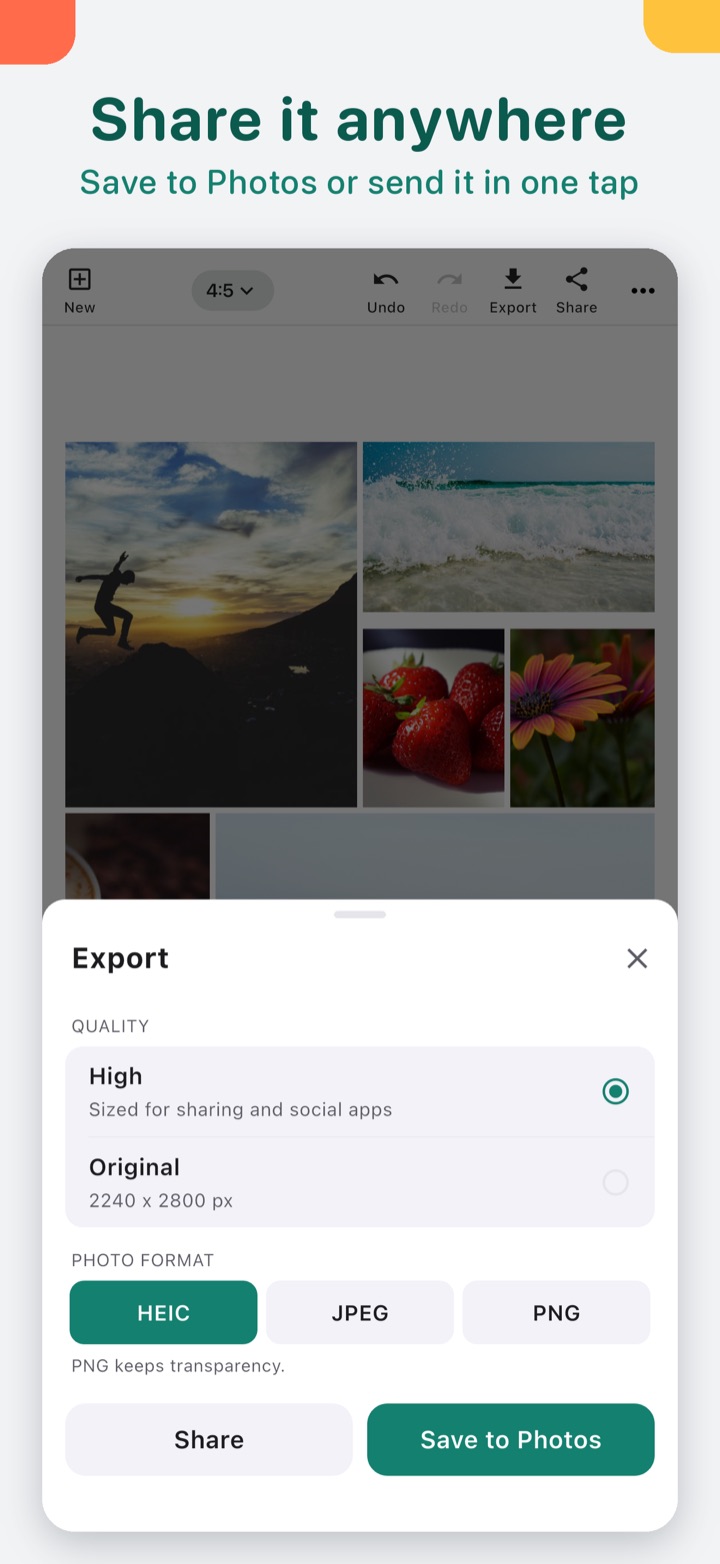
Short answer: every editing tool in Photo Collage is free, you get 5 free exports, and there's no watermark and no ads. After that, Premium is a single purchase, not a subscription.
We make Photo Collage (on the App Store as Collage Maker: Photo & Video). This page lists what's free and what Premium adds in version 3.0 on iPhone and iPad, as of October 2026.
What's free
| Feature | Free |
|---|---|
| Layouts | All 219, including honeycomb, masonry, bento, film strip, polaroid, hearts and stars |
| Photo and video collages | Yes, mixed in one collage |
| Sizes | 1:1, 4:5, 3:4, 2:3, 9:16 for stories, 16:9 and 1.91:1 |
| Borders | Spacing, corner radius, outer margin, border width and colour |
| Backgrounds | Colour, gradient, a blurred photo or your own image |
| Frames | All 12, including Polaroid, Film, Torn paper and the seasonal ones |
| Stickers and emoji | Yes |
| Sticker cut-outs | 3 per collage (turn a pet or person into a sticker) |
| Filters, Adjust, Retouch | Yes, per photo or applied to all |
| Text | 41 fonts, outline, shadow, colour |
| My collages | Every saved collage stays editable |
| Exports | 5 free exports |
| Watermark or ads | None |
You can build a whole collage, try every layout and frame on your own photos, and save it before you decide anything.
What Premium adds
| Feature | Premium |
|---|---|
| Exports | Unlimited |
| Print sizes (4x6, 5x7, 8x10, A4) and custom sizes | Yes |
| Sticker cut-outs | Unlimited |
| HDR video export | Yes, on supported iPhones |
What Premium costs
Read from App Store Connect on October 18, 2026. The US price is the base: $4.99, one time. Prices vary by country, so the App Store shows the price for your region. It's a one-time purchase: no subscription, and nothing renews.
How it compares with other free collage apps
"Free" on the App Store means free to download. Collage apps usually make money in one of a few ways: a watermark on the free version, ads, a subscription, or a one-time unlock. Some combine them. Before you put an afternoon into a birthday collage, it helps to know which one you're in.
Photo Collage uses the last one. There's no watermark on the free exports, no ads, and Premium is one purchase. The App Store page lists every in-app purchase, so you can check any app before you download it.
Which one fits you
- One collage for a birthday card or a post. The free version covers it, including the 9:16 story size and every frame.
- You make collages every week. The 5 free exports run out, and Premium is the one-time way past that.
- You want to print. Print sizes and custom sizes are Premium. The free sizes are made for screens and social posts.
- You turn pets or kids into stickers a lot. Three cut-outs per collage are free; more need Premium.
What it can't do
- Video exports go up to 1080p, in HEVC or a compatible H.264 option.
- The 5 free exports are 5 in total. Each save or share counts as one export.
- Android is different. Photo Collage is on Google Play too, but the Android app has the older feature set, so this list is for iPhone and iPad.
- Sticker cut-outs need iOS 17 or later on iPhone.
Quick answers
- Is Photo Collage free? Yes. All editing is free and you get 5 free exports.
- Does it add a watermark? No.
- Is Premium a subscription? No, it's a one-time purchase.
- How much is it? $4.99 in the US as of October 2026. Prices vary by country.
If you only need one collage this month, start free and see if the layout you want is there. You'll know before you pay anything.